
Connecting to ProtoPixel Player control interface
ProtoPixel Player can be controlled by a web-based interface on your device. The web-based interface is compatible with Google Chrome for Android and desktops.
Note: each ProtoPixel Player has a name in the pattern ppxplayer-XXXXXX, used to create a Wi-Fi access point. Please take notes on this name as it is useful afterward.
Connecting directly using the integrated Wi-Fi
Connect your device the Wi-Fi generated by the ProtoPixel Player. This Wi-Fi has a name such as ppxplayer-XXXXXX . The password is password .
Then open Google Chrome and go to http://192.168.1.8
Connecting from the same network
In case that the ProtoPixel Player is connected to the same network as your device (e.g. via router), you can access the control interface by typing into Google Chrome: http://ppxplayer-XXXXXX.local/
Operating ProtoPixel Player App
When you connect to ProtoPixel Player web Interface you will see something like this:
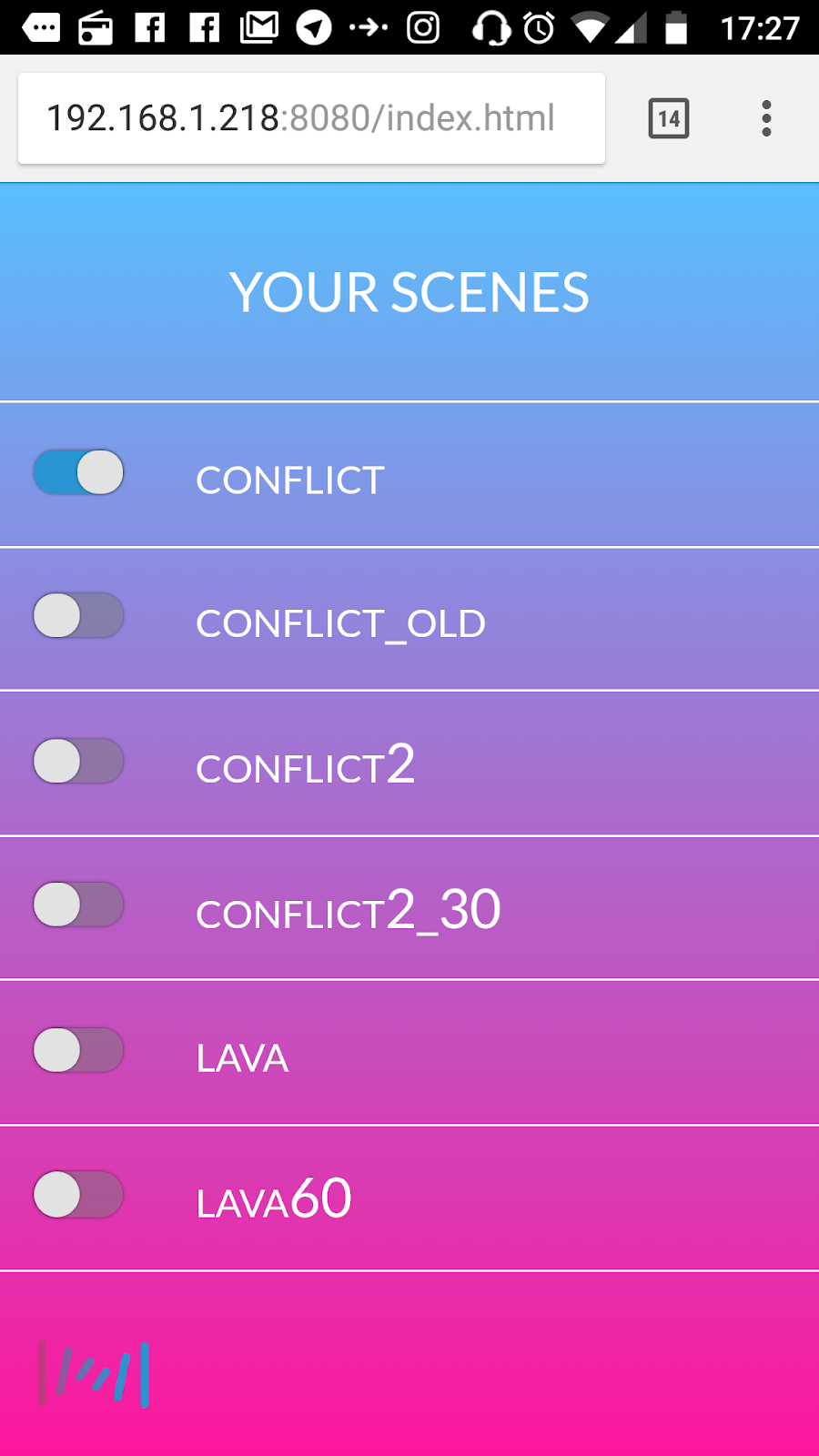
This is the list of all the recordings in the USB stick.
The operation is simple:
- Tap on the name of the recording, the recording will start. When it reaches the end it will loop from the beginning.
- By tapping into another recording, the one that was playing will stop, and the selected one will play. Only one recording can be played at a time.
- By tapping into a playing recording it will stop. If you tap again, it will start again from the beginning.
- The current recording being played is saved in the USB stick. This is used to automatically start the recording when powering up the ProtoPixel Player. So in case of power failure, it continues in the last state.
Comments
0 comments
Article is closed for comments.