
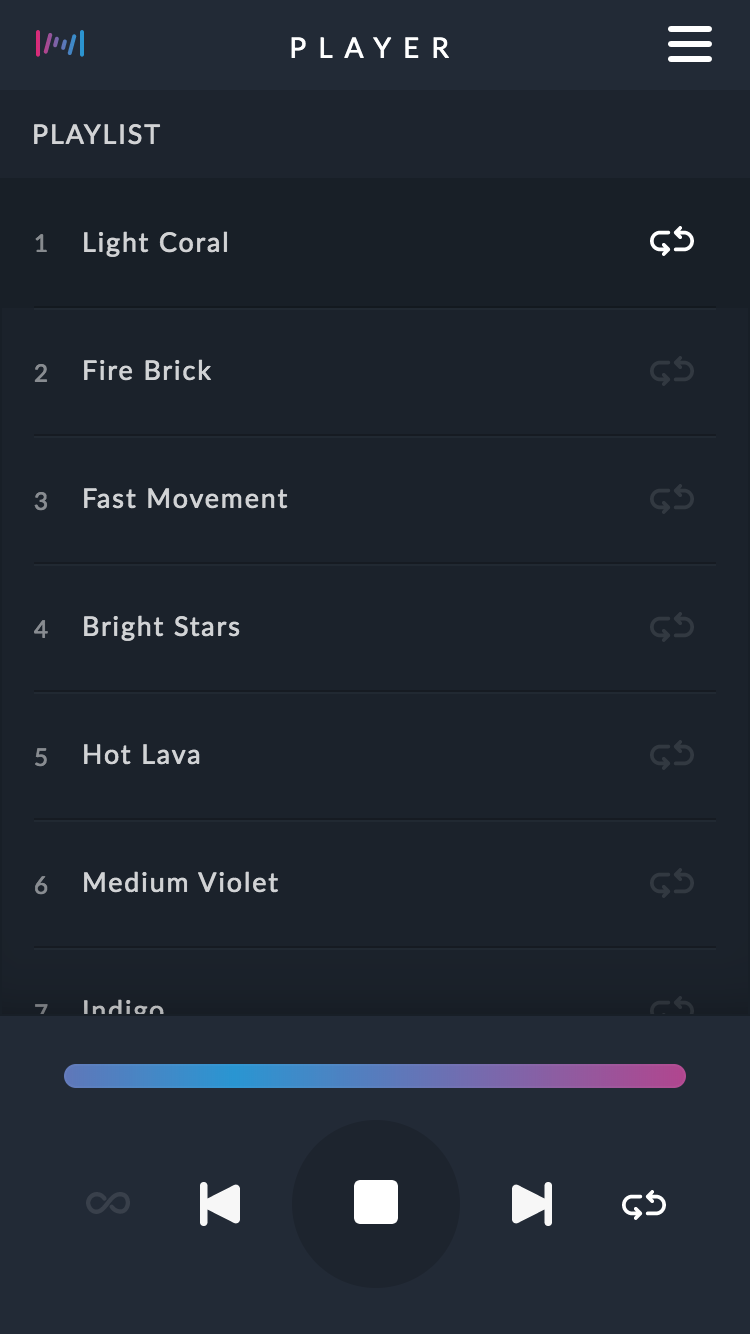
Main View
How and where to find it?
The bundled application makes the process of configuring the network and playing recordings very easy.
There are three ways of finding the IP Address needed to access the controllers web application. You can access through any browser on any device. (computer, tablet, phone)
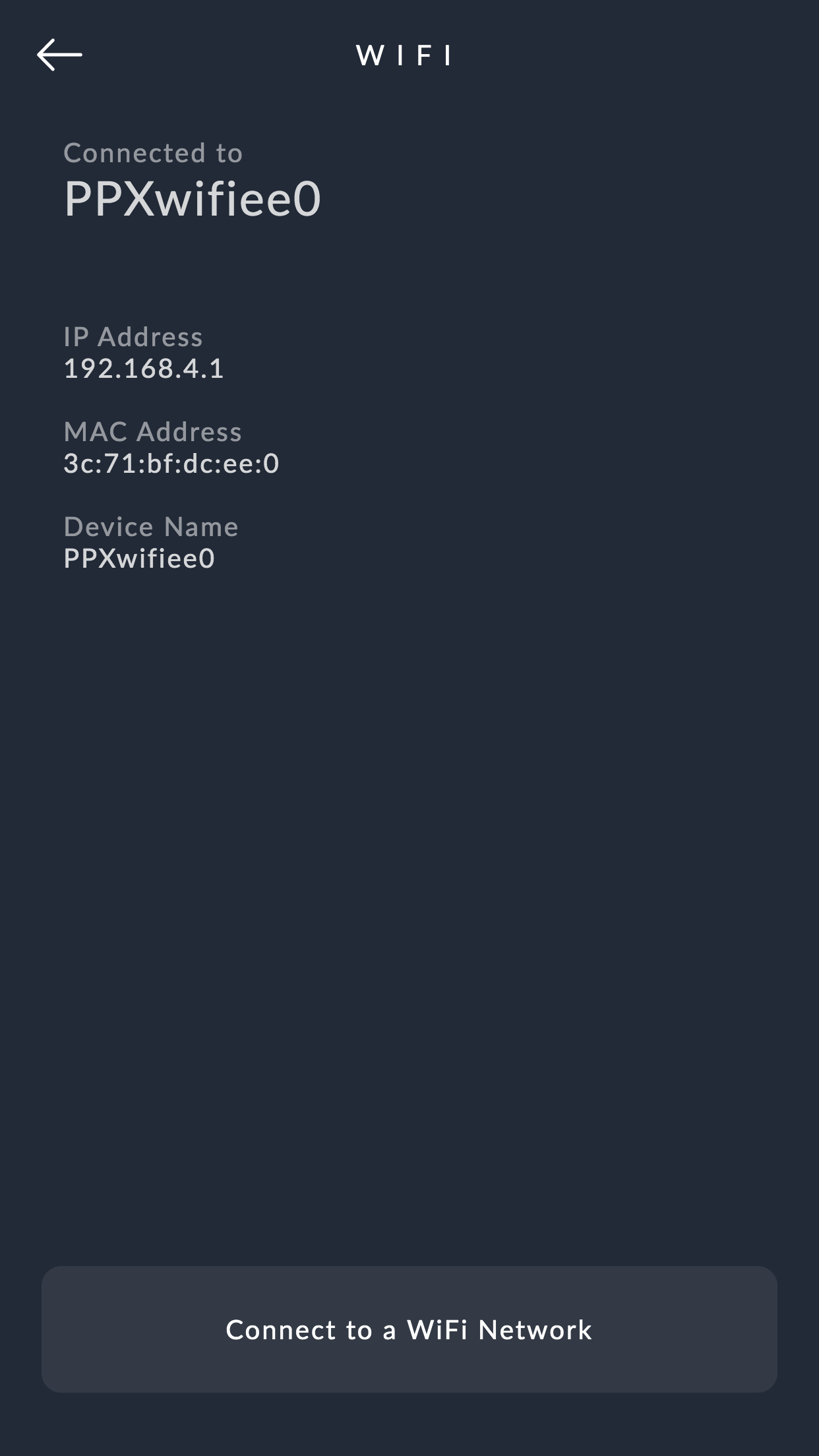
- You are connected to its access point. ie: PPXwifie88
192.168.4.1
- The Wi-Fi Controller is already connected to a Wi-Fi Router and the router is connected to the internet.
find.protopixel.io

#There you will se a list with the controllers available in your local network
- Wi-Fi Controller is connected to a router but the router is NOT connected to the internet
Open the ProtoPixel Create app and find its address in the controllers section
Menu
Access the menu by tapping/clicking on its icon.

Accessing the Menu
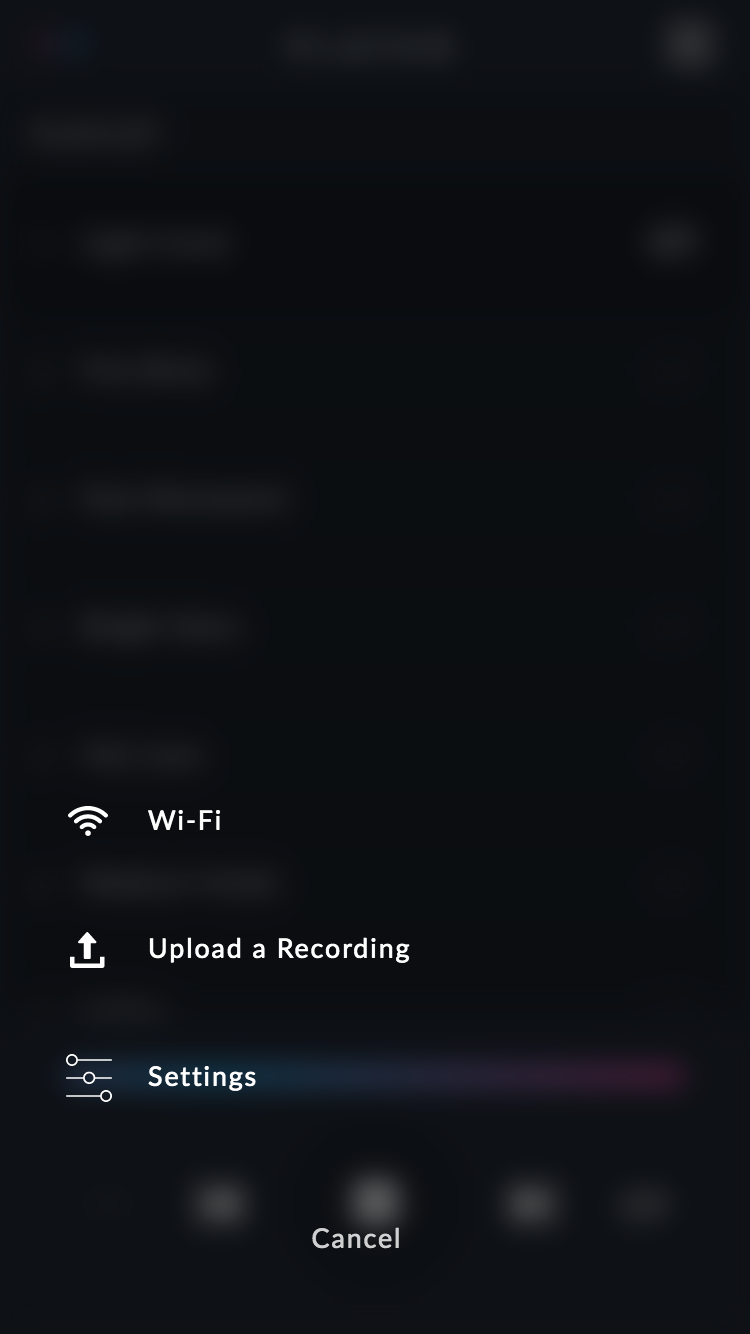
Menu
Player
Player
Settings
All the configuration of the controller is done through its web application.
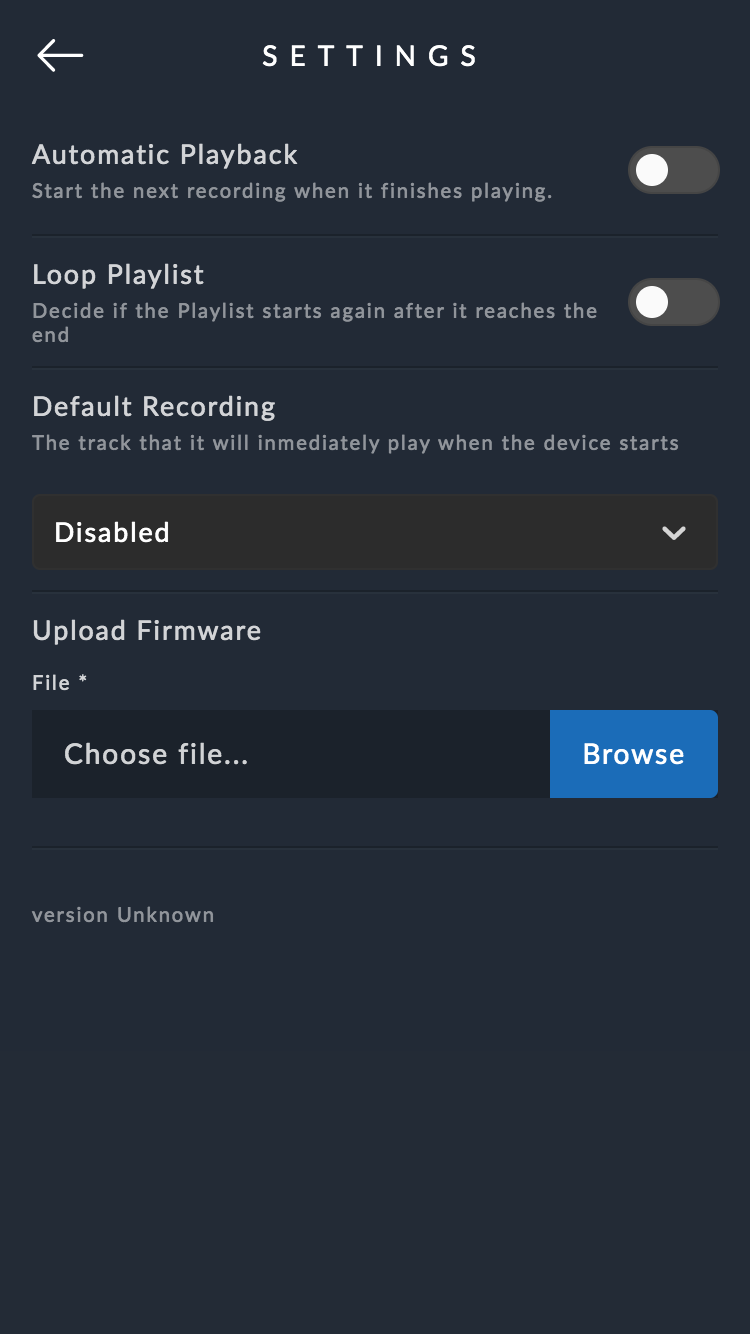
Settings View
Here you can change settings like:
Automatic Playback
Start the next recording when it finishes playing.
Loop Playlist
Decide if the Playlist starts again after it reaches the end.
Default Recording
The track that it will immediately play when the device starts.
Upload Firmware
Apply firmware updates when available.
Wi-Fi
.
Comments
0 comments
Article is closed for comments.