
To use the controller as an autonomous player you must first generate the recording in ProtoPixel create. Refer to Recording Output to learn about the recording process.
To know how to access the application read: Application.

Player
Edit Mode
Tap and Hold on any playlist item to enter edit mode.
Click on DONE when you have finished editing.
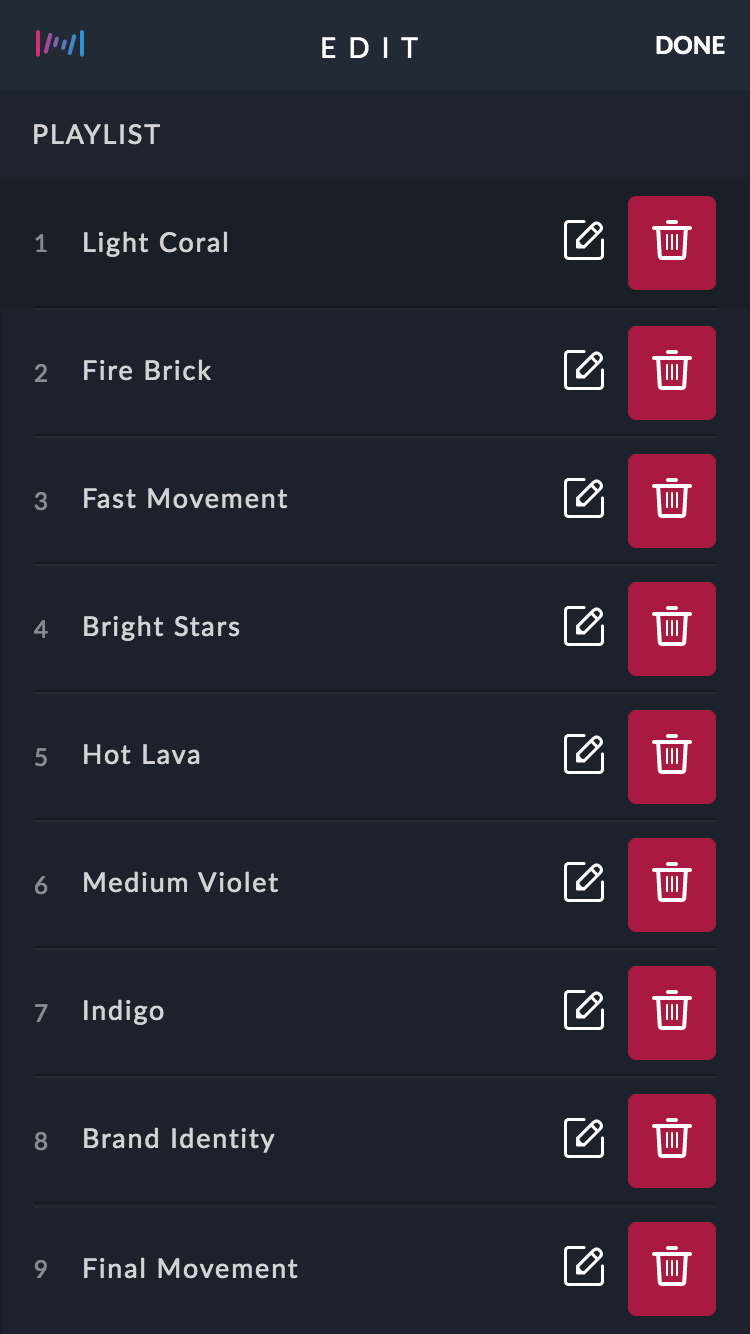
Edit Mode
Reorder
While in edit mode, just drag the item in the list you wish to change. That's it!
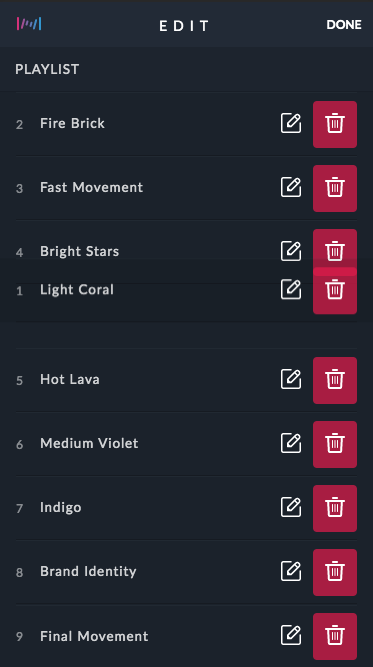
Reorder
Rename
Tap on the rename icon.
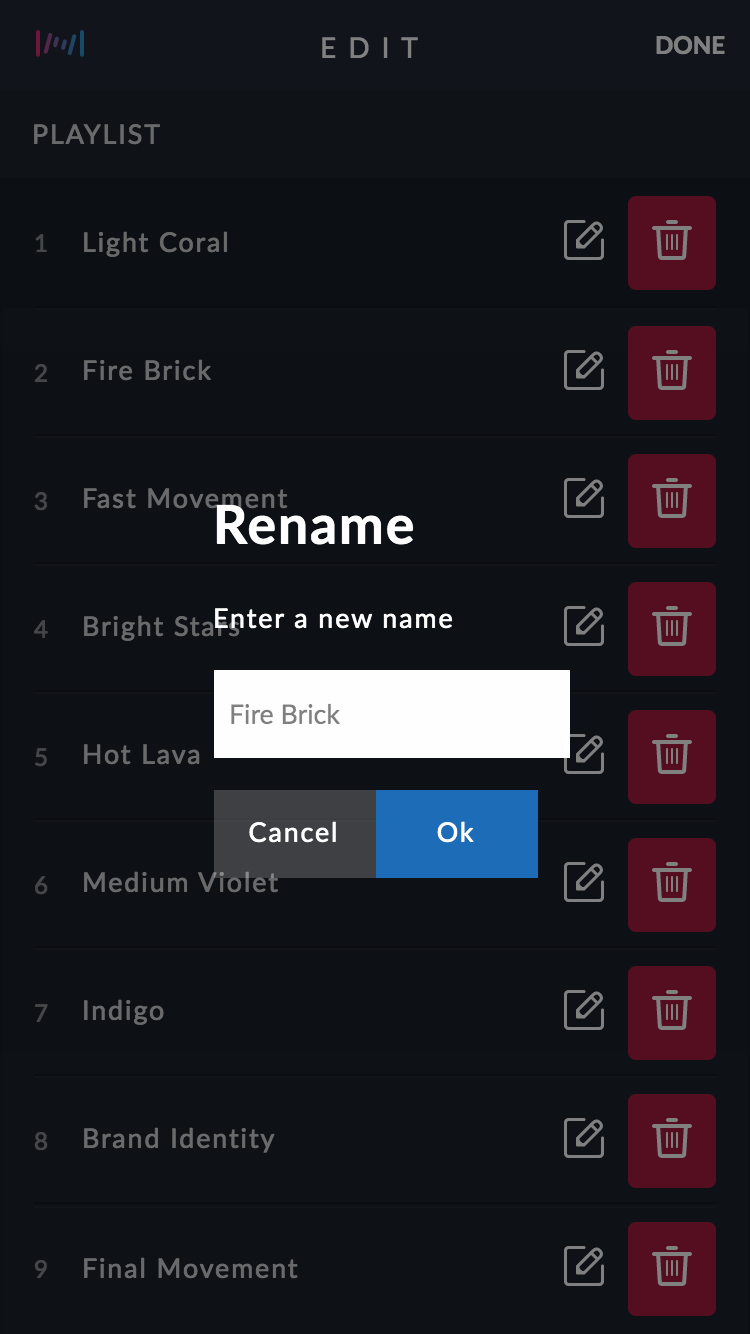
Rename
Delete
Tap on the delete icon.
Comments
0 comments
Article is closed for comments.